Creator template guide
Brand Deals Tracker Template
A brand deals tracker template for creators who need one place for partnership status, deliverables, due dates, invoices, and payment follow-up.
Why creators choose it
A brand deals tracker template is useful when partnership work starts piling up and it becomes too easy to lose track of deliverables, due dates, invoice status, and follow-ups. This one is built to keep sponsored content work visible without making the process feel heavy.
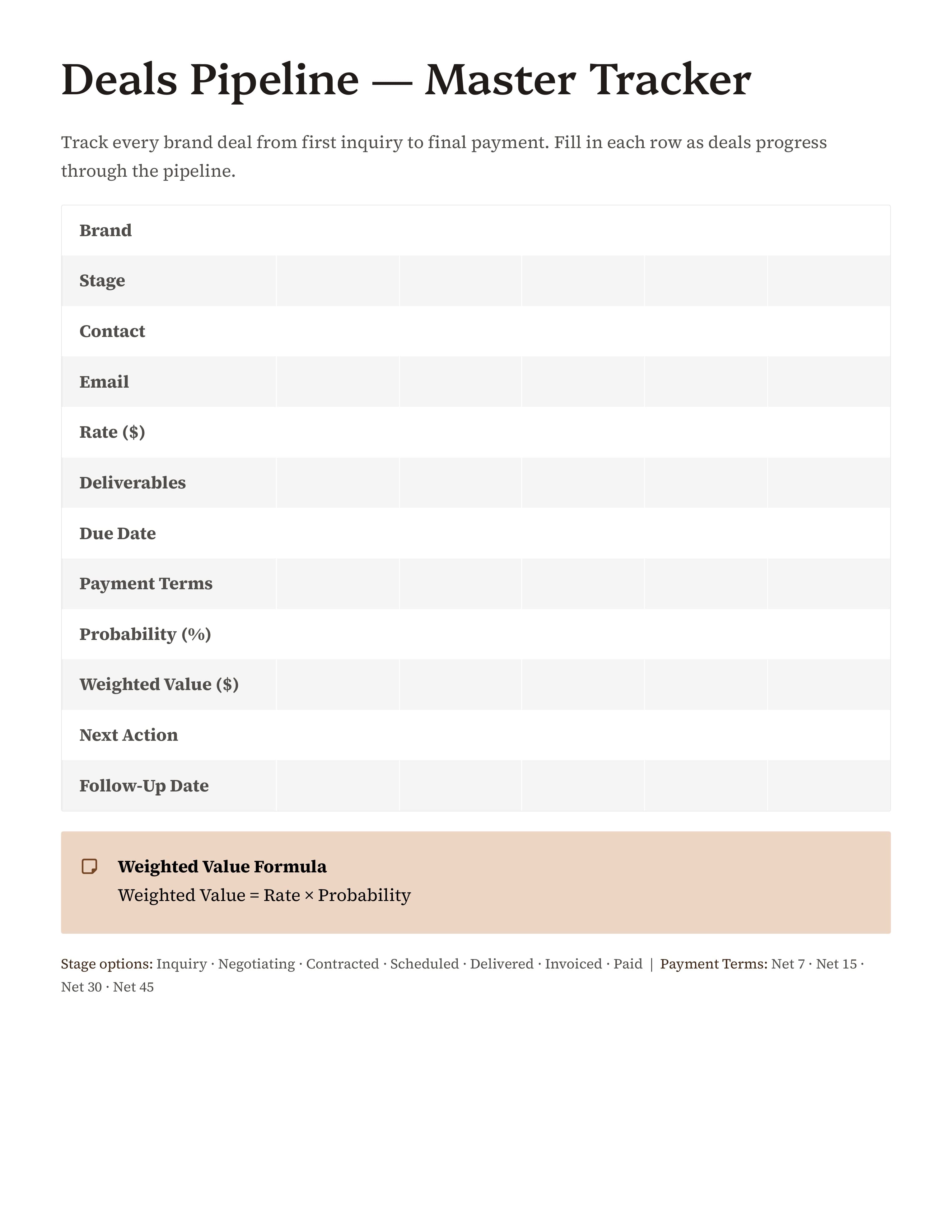
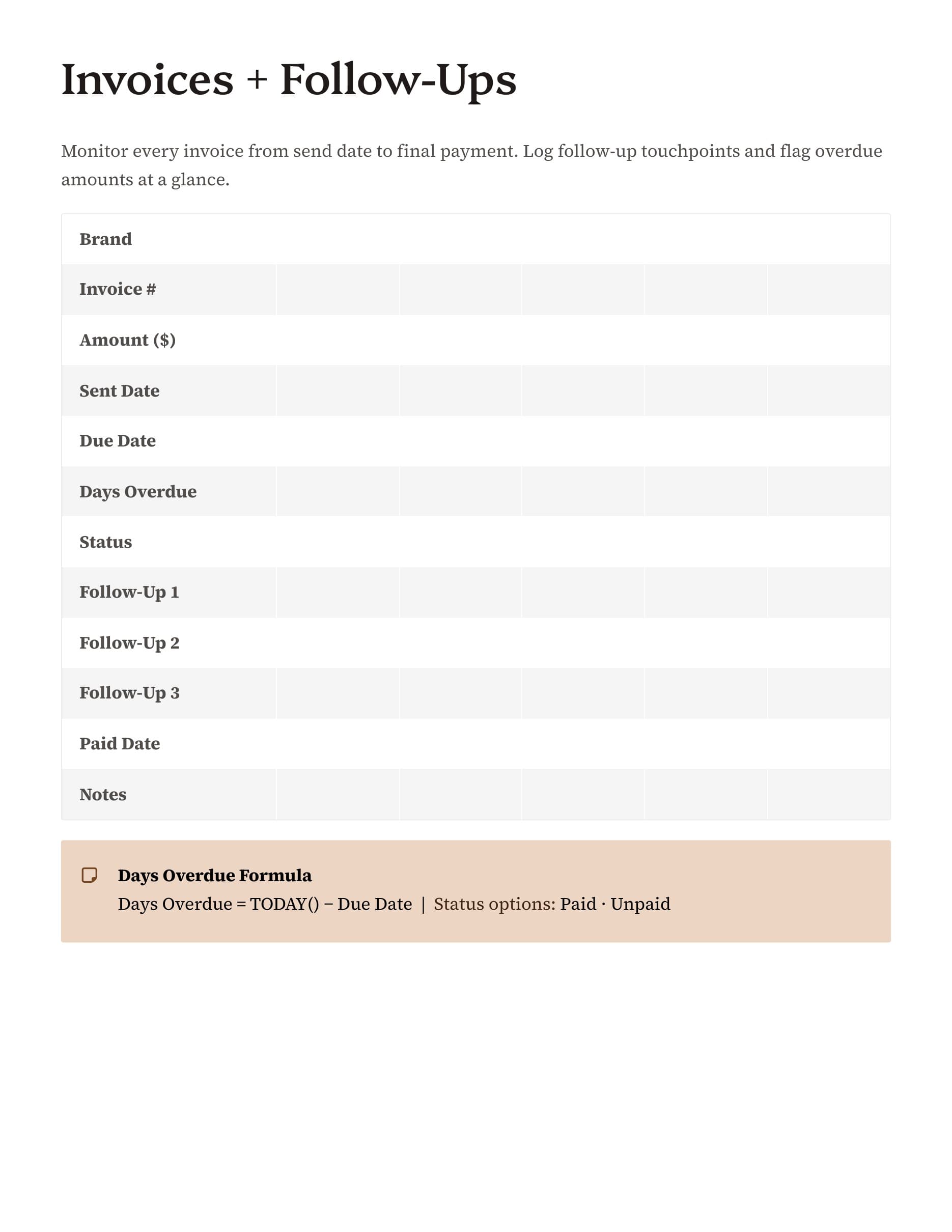
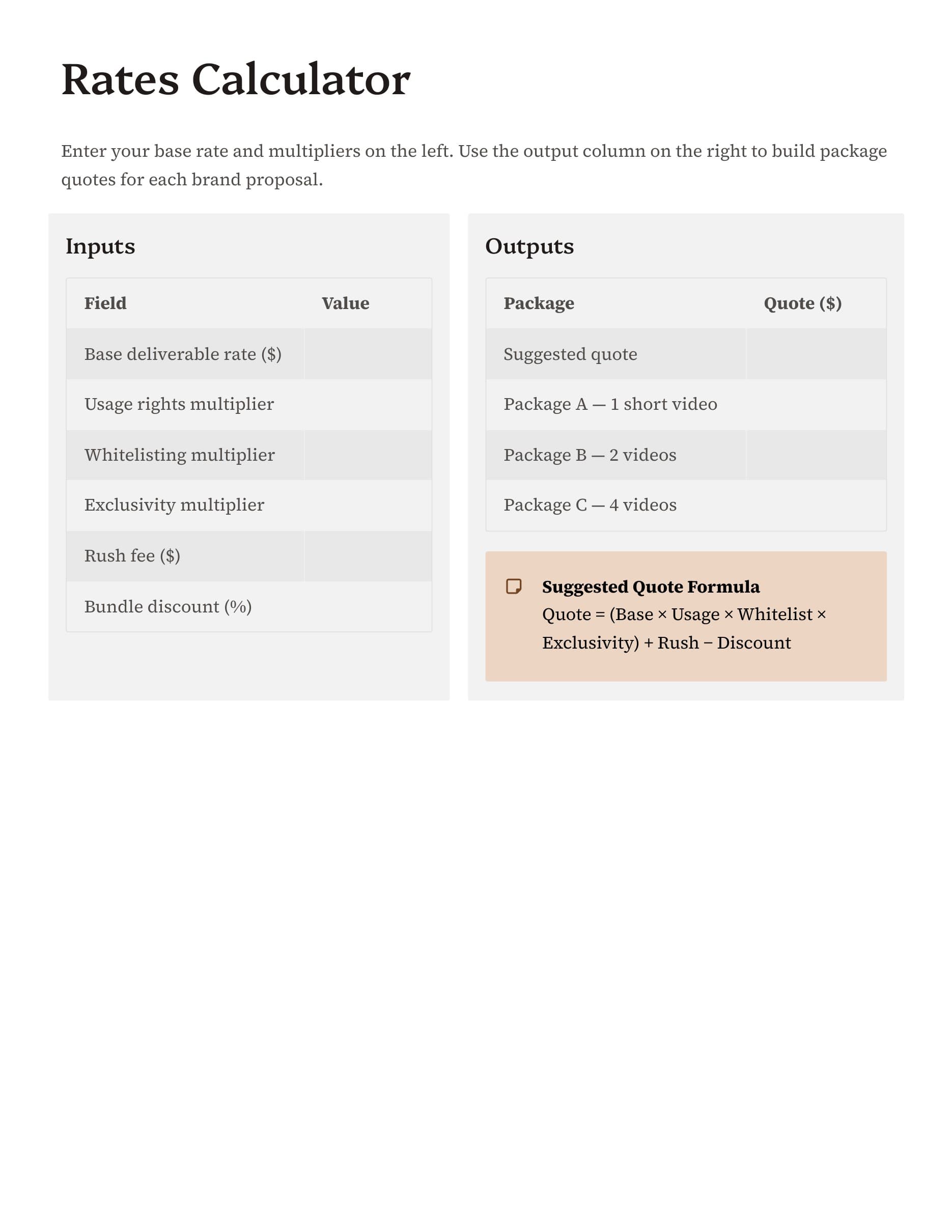
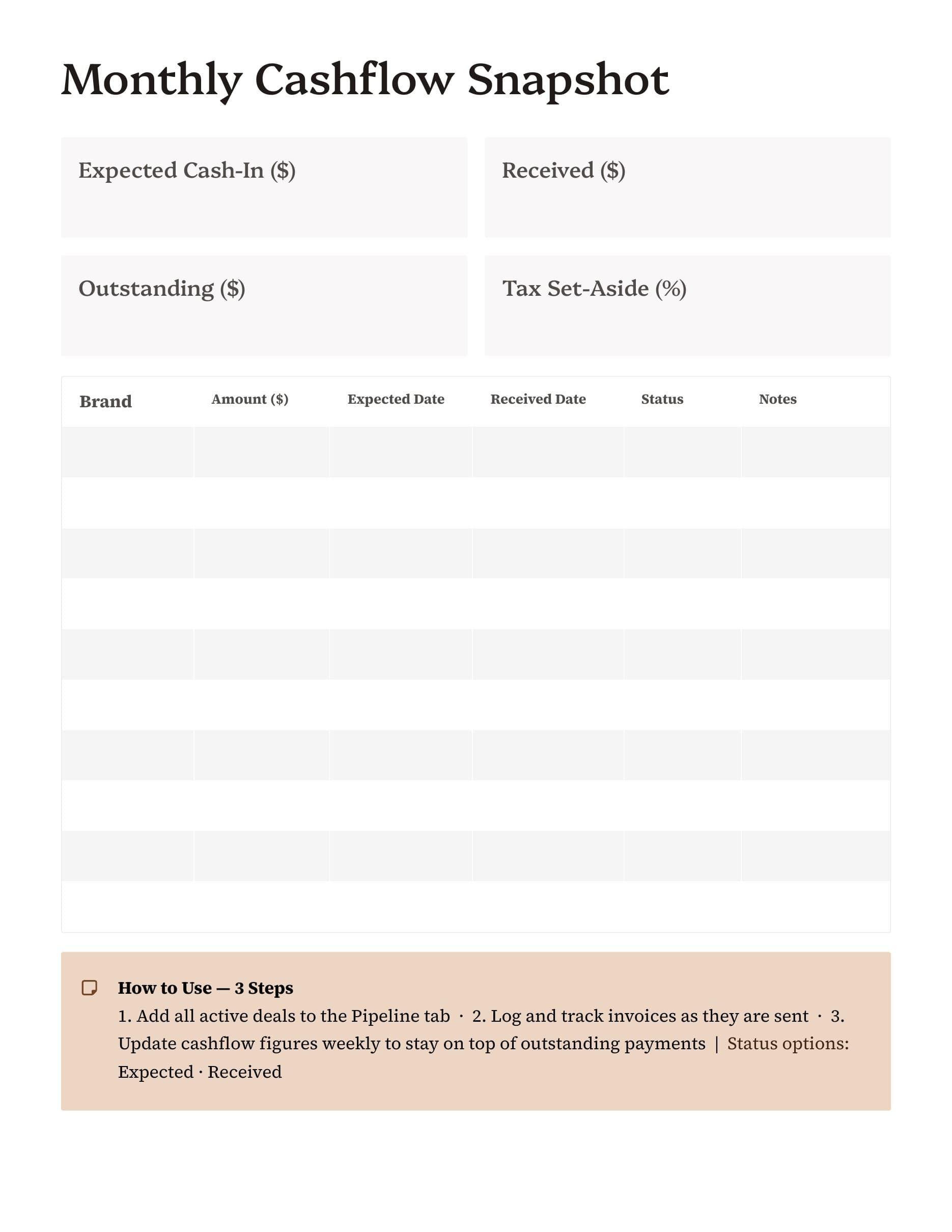
The previews on this page stay focused on the actual tracker so you can see how the pages handle deal stages, reminders, and payment tracking. That matters because the best tracker is not the one with the most fields. It is the one you will actually keep updated when campaigns are moving fast.
If you want a simpler way to stay organized with brand work, this page should make the decision clearer. Once it looks like the right fit, you can go straight to the template and purchase it without extra browsing.
Preview the pages
See the layout before you buy
These screenshots come from the current Vibe Planners template previews so you can see the structure, pacing, and worksheet style before checkout.
What's included
What you get inside the template
- - Tracking pages for incoming brand leads and active partnership stages.
- - Fields for deliverables, due dates, and next action reminders.
- - A cleaner way to see invoicing and payment status without a bulky CRM.
- - A format that helps creators stay on top of sponsored content obligations.
- - Simple layouts that are easy to update while campaigns are moving fast.
- - A lightweight PDF workflow for creators managing brand work solo.
- - Digital delivery through the same secure download system used for paid purchases.
- - A direct path into checkout with the tracker preselected.
Ready when you are
Open the template and check out
When you are ready, you can go straight to the product page with the most relevant template already selected. That keeps checkout simple and makes it easy to buy the right option without extra steps.
FAQ
Keep exploring
More pages that can help you choose
Shop all templates
Browse the full Vibe Planners template page if you want to compare options before choosing one.
Open pageRead the FAQ
Get quick answers about downloads, Goodnotes use, delivery emails, and support.
Open pageContent Planner PDF
See the broader planner option for creators who want weekly planning plus production structure.
Open pageWeekly Content Schedule Template
Compare the weekly planning option built around posting rhythm, priorities, and time blocks.
Open pageGoodnotes Content Planner
Browse the iPad-friendly planner page designed for creators who use Goodnotes.
Open pageReady to use it?
Get the template and start planning faster.
Choose the template that fits your workflow, complete checkout, and get your files delivered with the same simple Vibe Planners download experience used across the site.