Creator template guide
Weekly Content Schedule Template
A weekly content schedule template for creators who want to map posts, filming blocks, and weekly priorities without rebuilding the same plan every week.
Why creators choose it
A weekly content schedule template is most helpful when your week already feels full and you need a clear system that brings everything back into view. It gives you one place to map your posting plan, filming blocks, priorities, and deadlines.
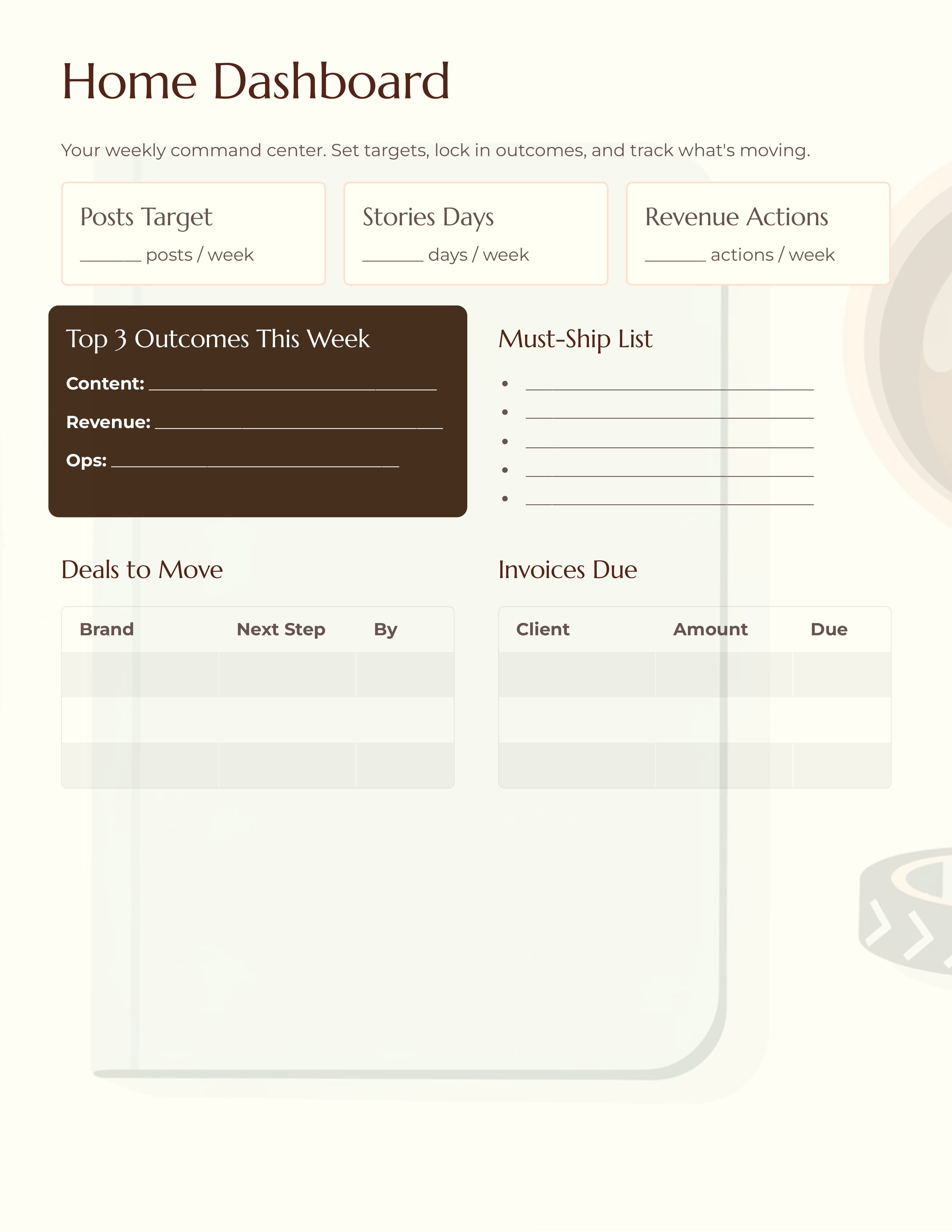
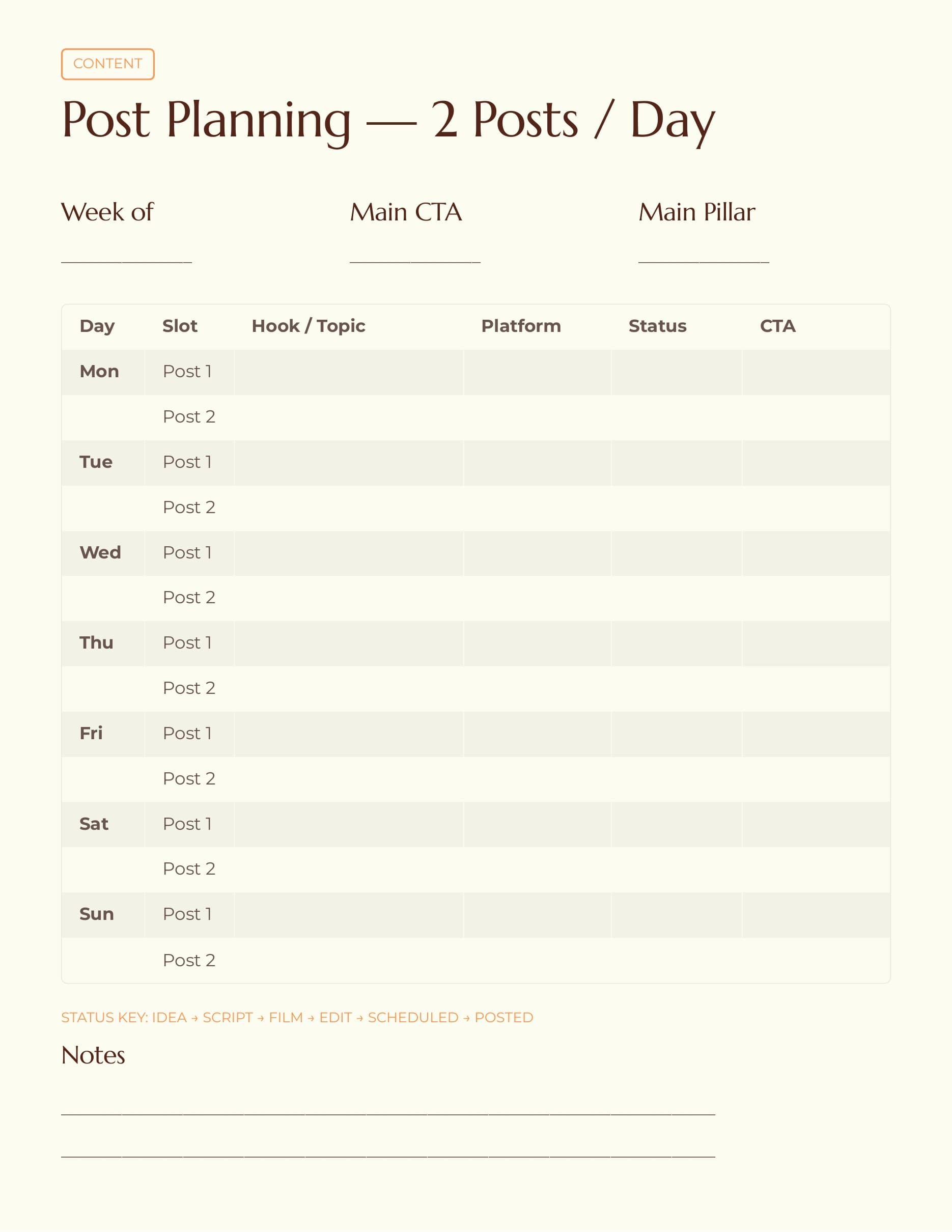
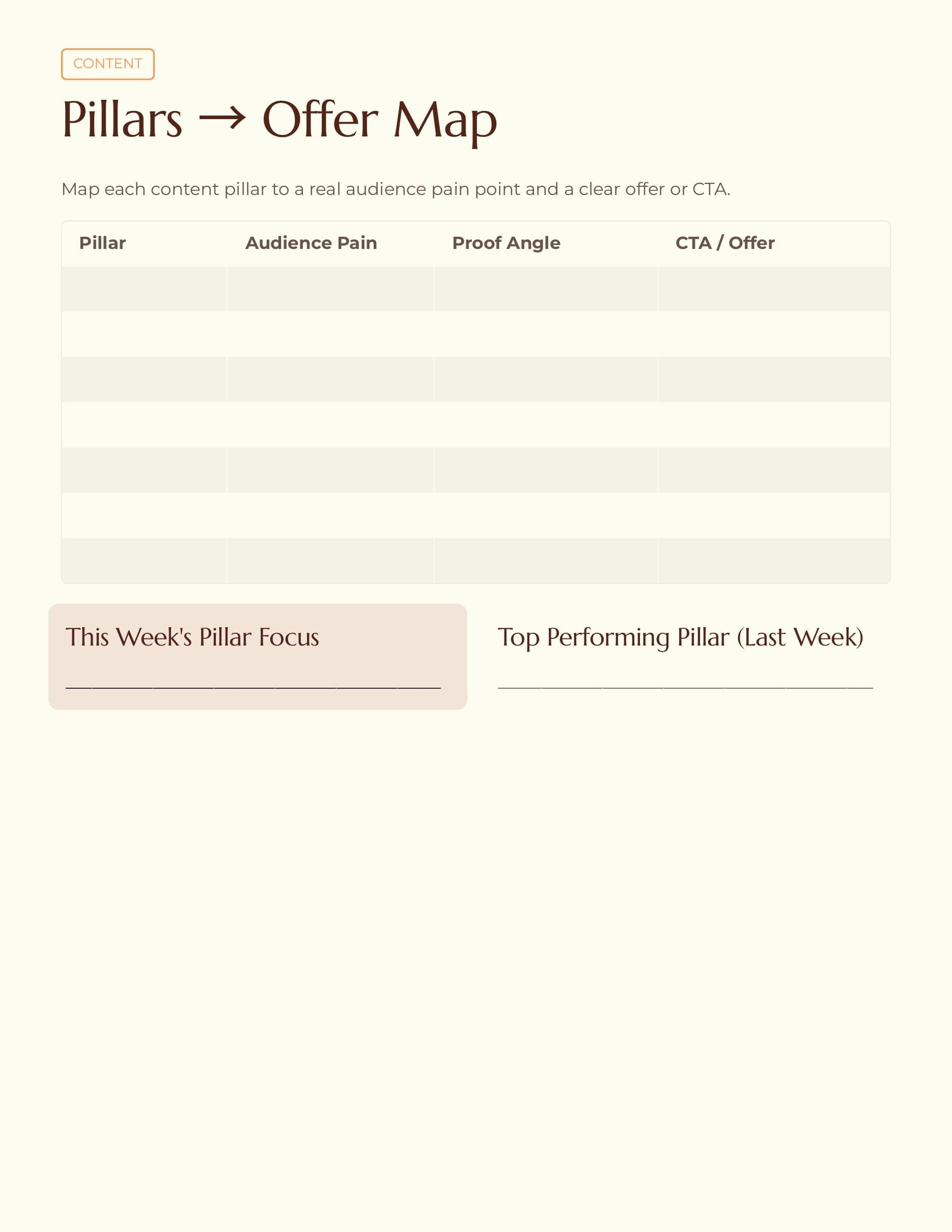
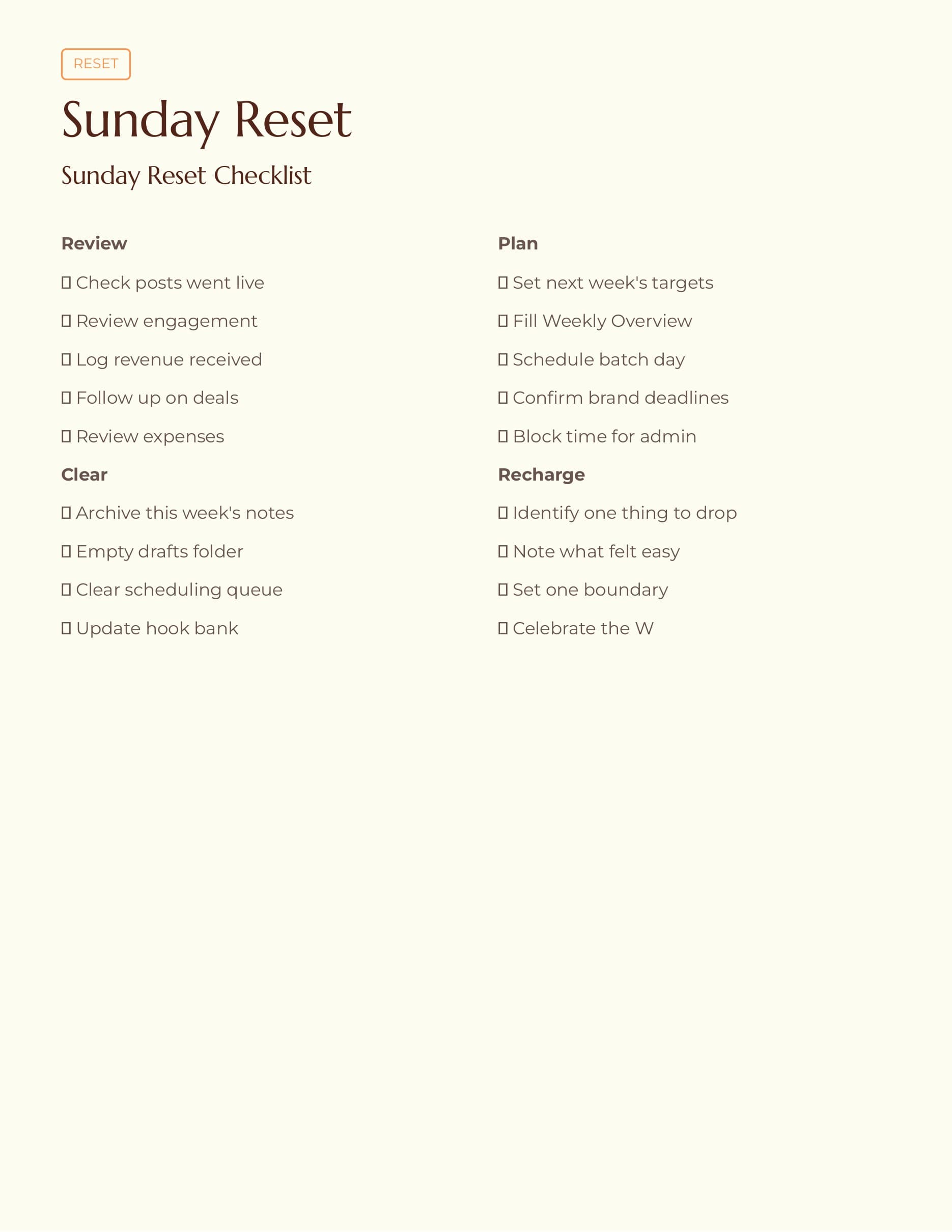
The preview images here show the real weekly layout so you can decide if it matches the way you like to plan. Some creators want a heavily decorated planner, but others want a layout they can scan quickly and keep using every week. This one leans toward clarity and repeat use.
If you want a weekly planner that feels manageable and easy to maintain, this page should make that choice simpler. You can preview the pages, see what is included, and then open the matching template when you are ready.
Preview the pages
See the layout before you buy
These screenshots come from the current Vibe Planners template previews so you can see the structure, pacing, and worksheet style before checkout.
What's included
What you get inside the template
- - Weekly planning pages centered on content tasks, posting cadence, and deadlines.
- - Time-block style layouts for filming, editing, admin, and outreach.
- - A calm PDF format that is easy to reopen and reuse every week.
- - Pages designed to reduce decision fatigue at the start of the week.
- - Space to map priorities before daily tasks begin competing for attention.
- - A creator workflow that works well on iPad or as a printable planner.
- - Straightforward setup with no app learning curve required.
- - Post-purchase delivery by email and confirmation page through the existing download flow.
Ready when you are
Open the template and check out
When you are ready, you can go straight to the product page with the most relevant template already selected. That keeps checkout simple and makes it easy to buy the right option without extra steps.
FAQ
Keep exploring
More pages that can help you choose
Shop all templates
Browse the full Vibe Planners template page if you want to compare options before choosing one.
Open pageRead the FAQ
Get quick answers about downloads, Goodnotes use, delivery emails, and support.
Open pageContent Planner PDF
See the broader planner option for creators who want weekly planning plus production structure.
Open pageBrand Deals Tracker Template
Explore the tracker focused on sponsorship deadlines, invoicing, and brand follow-up.
Open pageGoodnotes Content Planner
Browse the iPad-friendly planner page designed for creators who use Goodnotes.
Open pageReady to use it?
Get the template and start planning faster.
Choose the template that fits your workflow, complete checkout, and get your files delivered with the same simple Vibe Planners download experience used across the site.